What Is a Digital Signage CMS and Why Does It Matter?
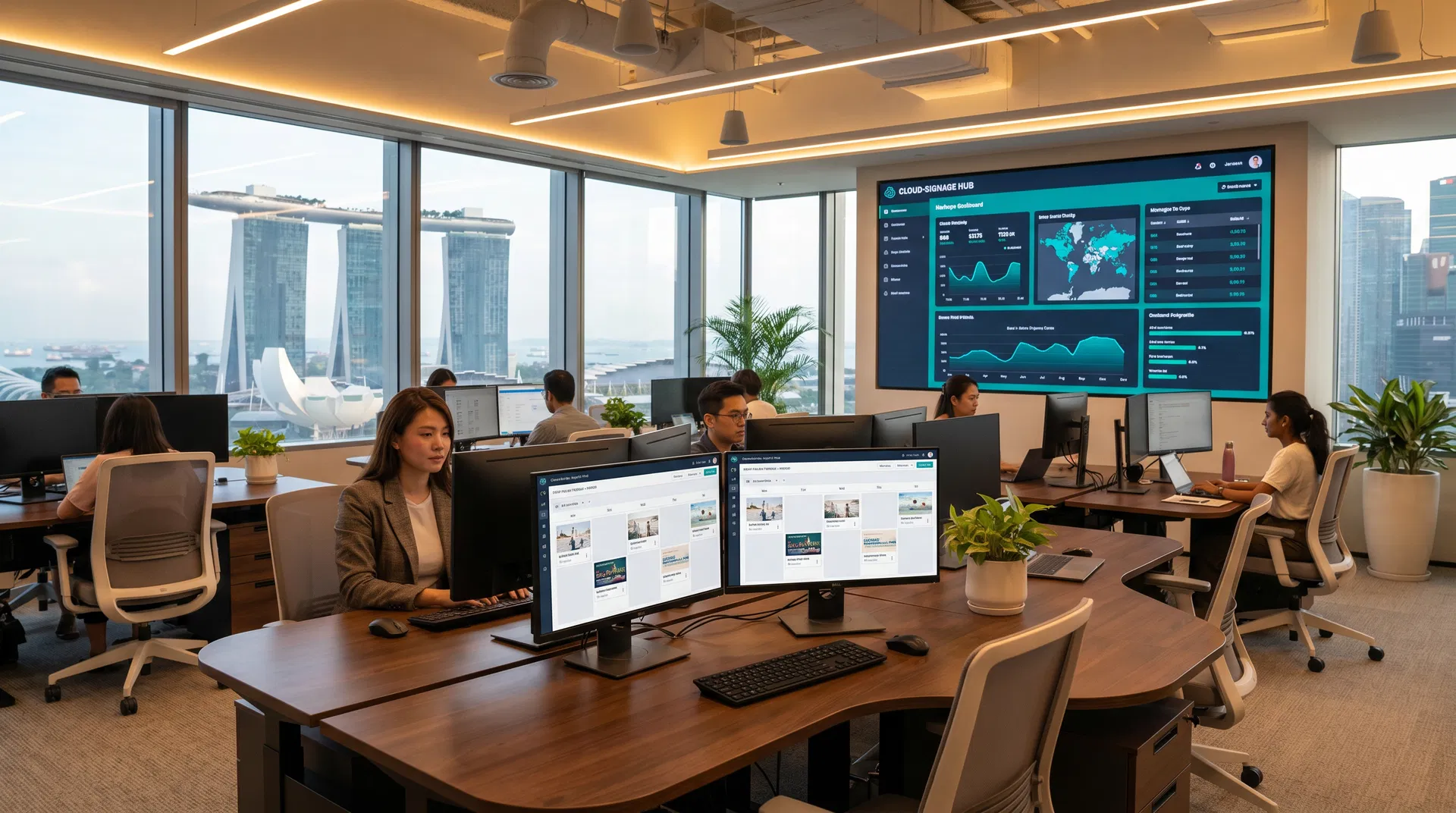
A digital signage Content Management System (CMS) is the software platform that controls what appears on your screens — when it plays, how long it runs, and which locations display it. While the hardware (the display itself) is the face of your digital signage investment, the CMS is the brain. Choosing the wrong one can mean hours of manual updates, poor reliability, and a system that fails to scale as your business grows.
For Singapore businesses managing anything from a single restaurant menu board to a network of hundreds of retail screens across multiple outlets, the CMS decision is arguably more important than the hardware choice. This guide walks you through the key considerations so you can make a confident, informed decision.
Cloud-Based vs On-Premise CMS: Which Is Right for You?
The first and most fundamental decision is whether to use a cloud-based or on-premise CMS.
Cloud-based CMS platforms host all content, scheduling, and device management on remote servers. You access the system through a web browser or app from anywhere in the world. Updates are pushed to screens over the internet, and the software provider handles maintenance, security patches, and uptime. For most Singapore businesses — especially those with multiple locations — cloud CMS is the clear choice. It eliminates the need for on-site servers, reduces IT overhead, and enables real-time content updates from anywhere. On-premise CMS software is installed on servers that you own and manage. It offers greater control over data and can function without an internet connection, making it suitable for high-security environments such as government buildings, military facilities, or financial institutions where data sovereignty is a concern. The trade-off is higher upfront cost, ongoing IT maintenance, and the inability to manage screens remotely without a VPN.For the vast majority of retail, F&B, corporate, and hospitality businesses in Singapore, a cloud-based CMS delivers the best combination of flexibility, ease of use, and cost-effectiveness.
Key Features to Look For in a Digital Signage CMS
Not all CMS platforms are created equal. When evaluating options, prioritise these capabilities:
Content Scheduling and Dayparting is essential for businesses that need to show different content at different times. A restaurant, for example, needs to display breakfast promotions in the morning, lunch specials at midday, and dinner menus in the evening — all automatically, without manual intervention. Look for a CMS that supports recurring schedules, date-range campaigns, and time-of-day rules. Multi-Location Management becomes critical once you operate more than one outlet. The CMS should allow you to group screens by location, region, or display type, and push targeted content to specific groups while maintaining a global content library. Goodview's Store Signage Cloud platform, for instance, supports simultaneous content deployment to thousands of screens with location-specific overrides. Template-Based Content Creation empowers non-designers to produce professional-looking content without external agency support. Look for drag-and-drop editors, pre-built industry templates (menus, promotions, event listings), and support for dynamic data feeds such as live pricing, weather, or social media. Device Health Monitoring provides real-time visibility into the status of every screen in your network. A good CMS will alert you when a display goes offline, shows the wrong content, or experiences a hardware fault — so you can respond before customers notice. Integration Capabilities determine how well the CMS connects with your existing business systems. POS integration enables dynamic menu pricing; social media feeds can pull live content; data APIs can display real-time information like queue numbers or stock levels.Pricing Models: What to Expect
Digital signage CMS pricing in Singapore typically follows one of three models:
| Model | Description | Typical Cost (SGD) |
|---|---|---|
| Per-screen subscription | Monthly or annual fee per connected display | SGD 10–50/screen/month |
| Flat-rate subscription | Unlimited screens up to a device cap | SGD 100–500/month |
| Hardware-bundled | CMS included free with display purchase | Included |
| One-time licence | Perpetual on-premise licence | SGD 2,000–10,000+ |
Goodview's commercial displays include access to the Store Signage Cloud platform at no additional monthly cost for basic content management, making them an attractive option for businesses looking to minimise ongoing software expenses.
Questions to Ask Before You Commit
Before signing up for any CMS platform, ask these questions:
What is the uptime SLA? For business-critical signage such as menu boards or wayfinding displays, you need a provider that guarantees at least 99.9% uptime and offers compensation or credits if that threshold is breached. How is content cached on the device? A well-designed system caches approved content locally on the display so that screens continue running even if the internet connection drops. This is particularly important in Singapore's busy retail environments where network reliability can vary. What support is available locally? Remote support is fine for software issues, but hardware faults require on-site response. Ensure your CMS provider or hardware supplier has a local Singapore team that can respond within a defined SLA — typically 4–8 business hours for commercial deployments. Is the platform scalable? Your business will grow. The CMS you choose today should handle ten times your current screen count without requiring a platform migration.Why Goodview's Integrated Approach Simplifies the Decision
One of the most common pain points in digital signage deployments is managing the relationship between hardware vendors and software providers. When the display manufacturer and CMS provider are different companies, troubleshooting becomes complicated — each party points to the other when issues arise.
Goodview addresses this by offering an integrated hardware-plus-CMS solution. Our commercial displays ship with Android-based smart signage OS and built-in access to the Store Signage Cloud platform, which supports content scheduling, multi-store management, OTA firmware updates, and device health monitoring. Because the hardware and software are engineered together, compatibility issues are eliminated and support is unified under a single point of contact.
Getting Started with Digital Signage Content Management
The best approach is to start with a clear content strategy before evaluating CMS platforms. Define what content you need to display, how frequently it changes, how many locations you manage, and who will be responsible for content updates. With those requirements documented, you can evaluate CMS options against a concrete checklist rather than a vague wish list.
Goodview Singapore offers free consultations to help businesses assess their digital signage requirements and recommend the right combination of hardware and content management software. Contact our team today to arrange a demonstration of the Store Signage Cloud platform and see how it can simplify your digital signage operations.